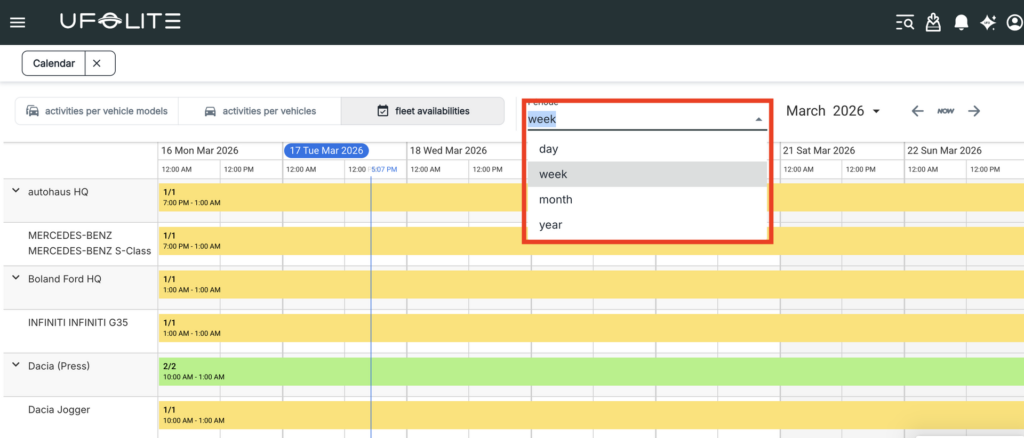
The fleet calendar gives you a live operational picture of your entire fleet — what’s booked, what’s available, and what’s happening when. It’s your primary tool for spotting gaps, planning ahead, and avoiding conflicts.
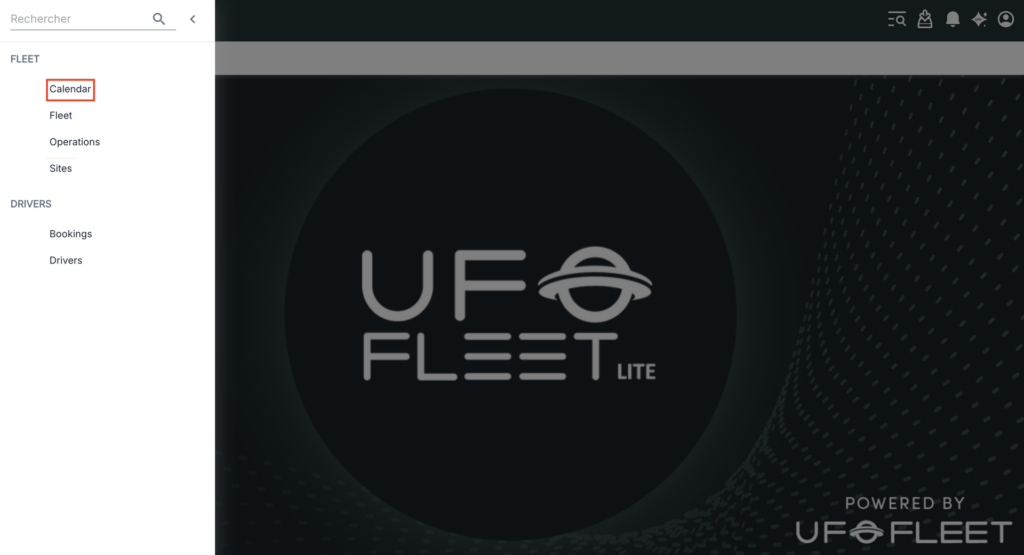
How to access it
Go to Menu → Fleet → Calendar.

Three calendar views
| View | Shows | Best used for |
|---|---|---|
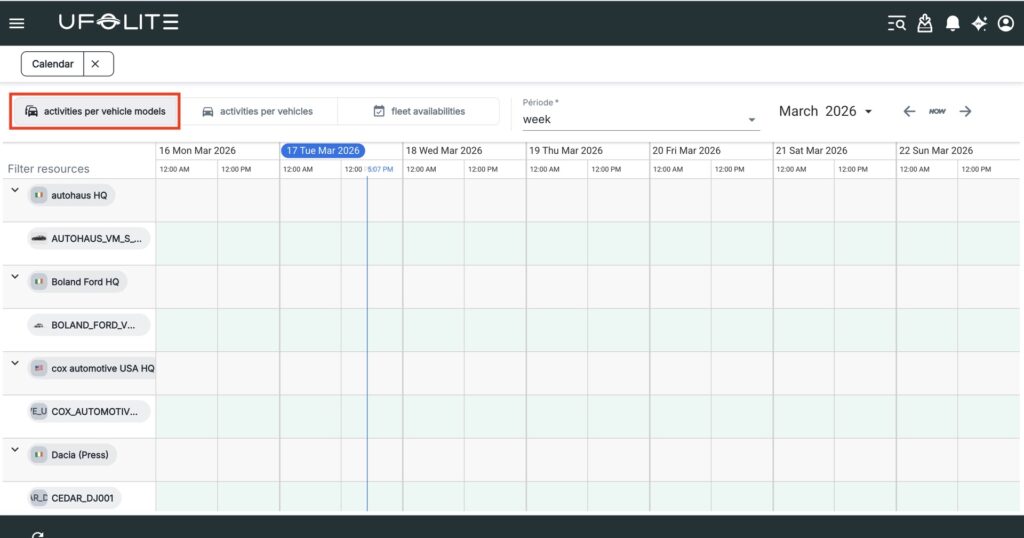
| Activities per Vehicle Model | Bookings and operations grouped by model type | Demand analysis, procurement planning |
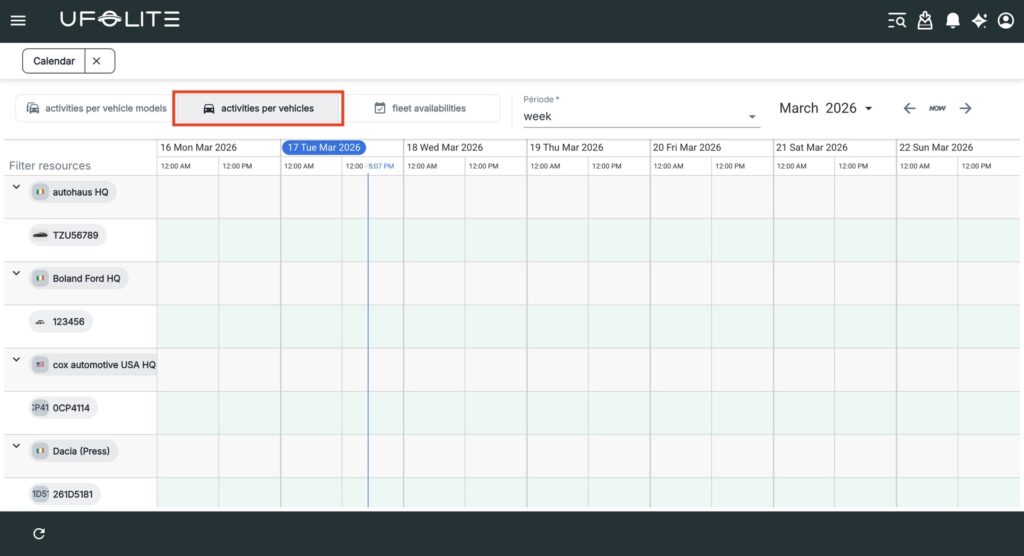
| Activities per Vehicle | Individual vehicles with licence plates | Tracking a specific vehicle, finding downtime |
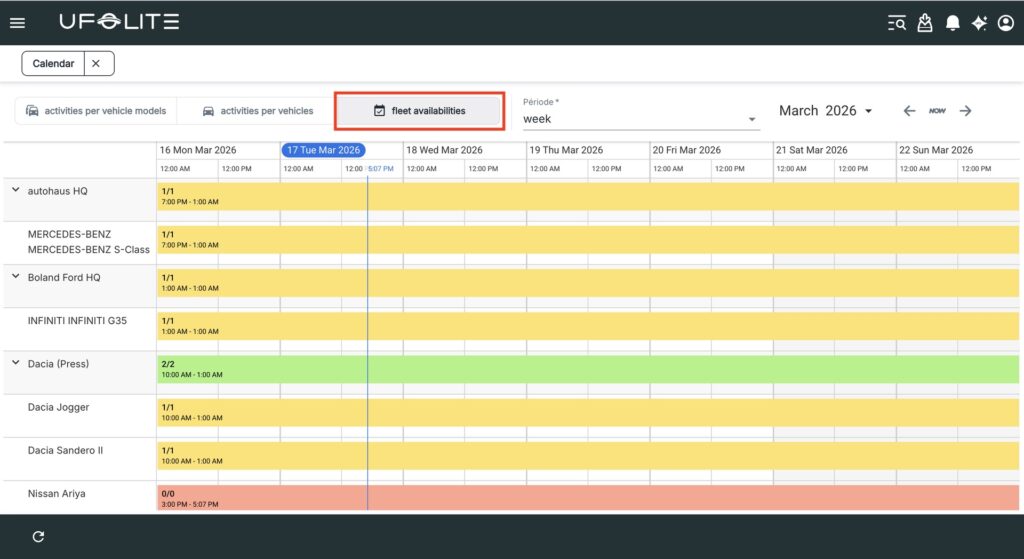
| Fleet Availability | How many vehicles of each model are free | Quickly checking “do we have anything free?” |
Time range options
Switch between Day, Week, Month, and Year views depending on whether you’re managing today’s operations or planning months ahead.
💡 Each site has its own calendar accessible from the site detail page — identical to the global calendar but filtered to that site only.