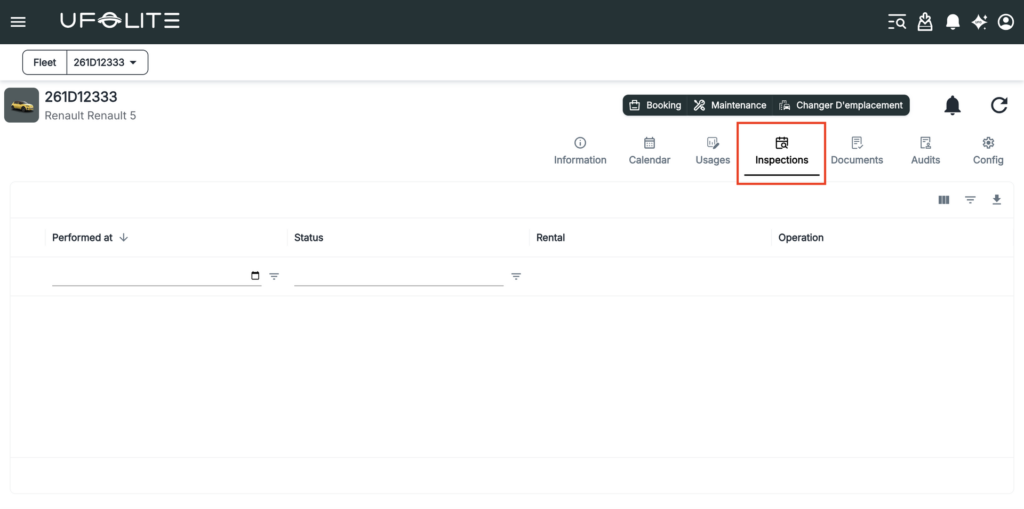
Knowing the state of each vehicle in your fleet is core to running a reliable operation. UFOFLEET gives you a consolidated view of every vehicle’s status, history, and inspection records.
Finding a vehicle
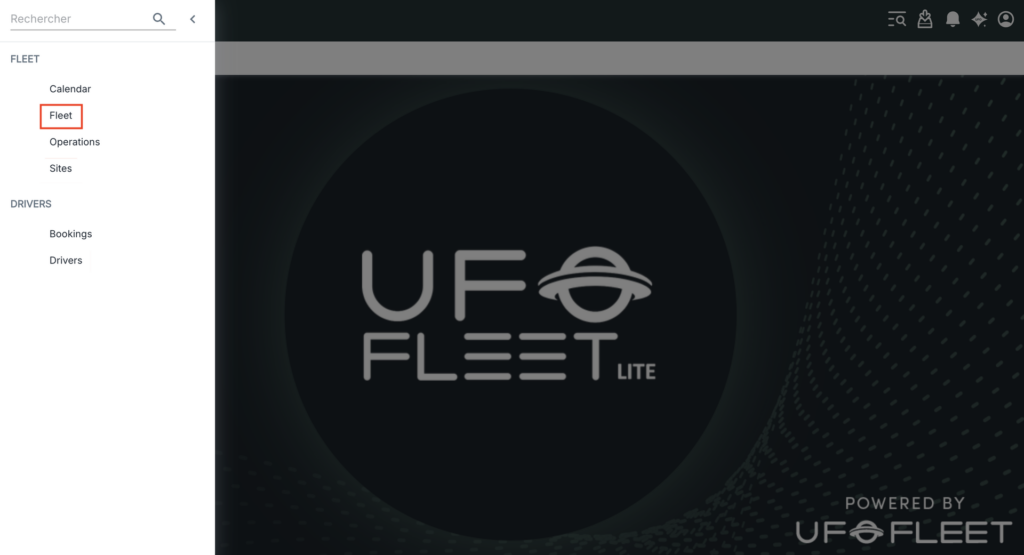
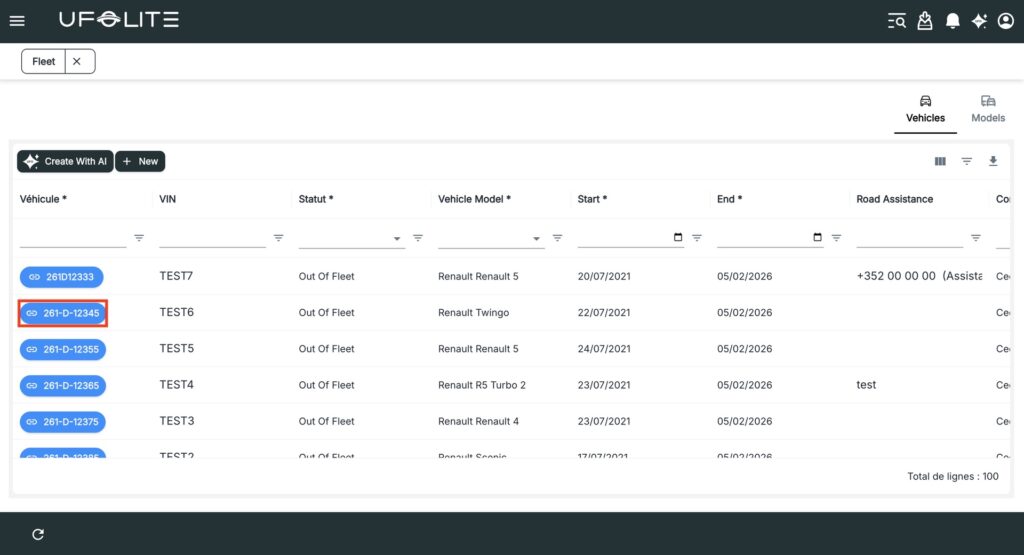
Go to Menu → Fleet → Fleet. The list shows every vehicle with its licence plate, current status, and model at a glance. Click a vehicle to open its full detail page.

What you’ll find
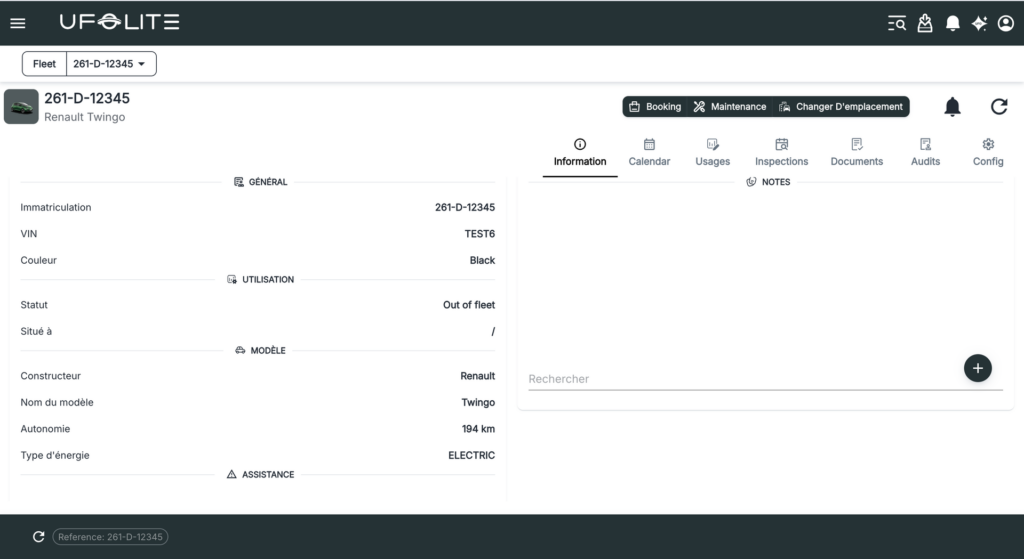
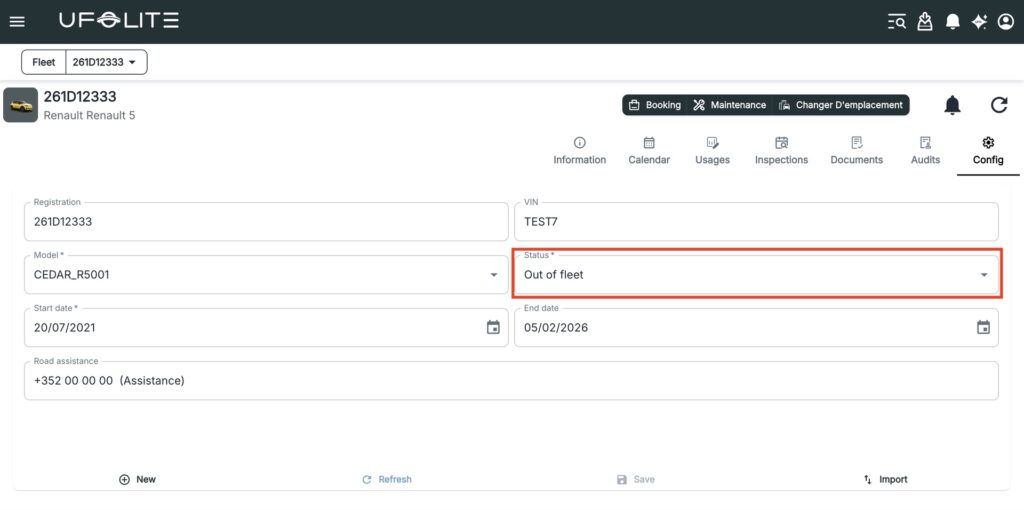
Status — Whether the vehicle is In Service, Out of Booking, or Out of Fleet. This directly controls whether it can be assigned to bookings.
Usage — A full history of every operation and booking linked to that vehicle, past and upcoming. Useful for tracking utilisation and spotting patterns.
Accessing inspections
Go to Menu → Fleet → Vehicle Inspections. The list shows each inspection’s reference, the vehicle it’s linked to, the inspection date, and any associated booking or operation.